
7 Best Free AI Tools You Should Be Using in 2025 (You’ll Wonder How You Lived Without Them)
Let’s face it — AI isn’t just a buzzword anymore.
It’s literally everywhere — helping us write better, design faster, automate boring tasks, and even talk to our laptops like they’re people.
And the best part?
You don’t need to spend a penny to tap into the magic.
Yep, some of the most powerful AI tools in 2025 are 100% free (or have killer free plans).
So, whether you’re a student, content creator, designer, or just curious — these tools are about to make your life a whole lot easier.
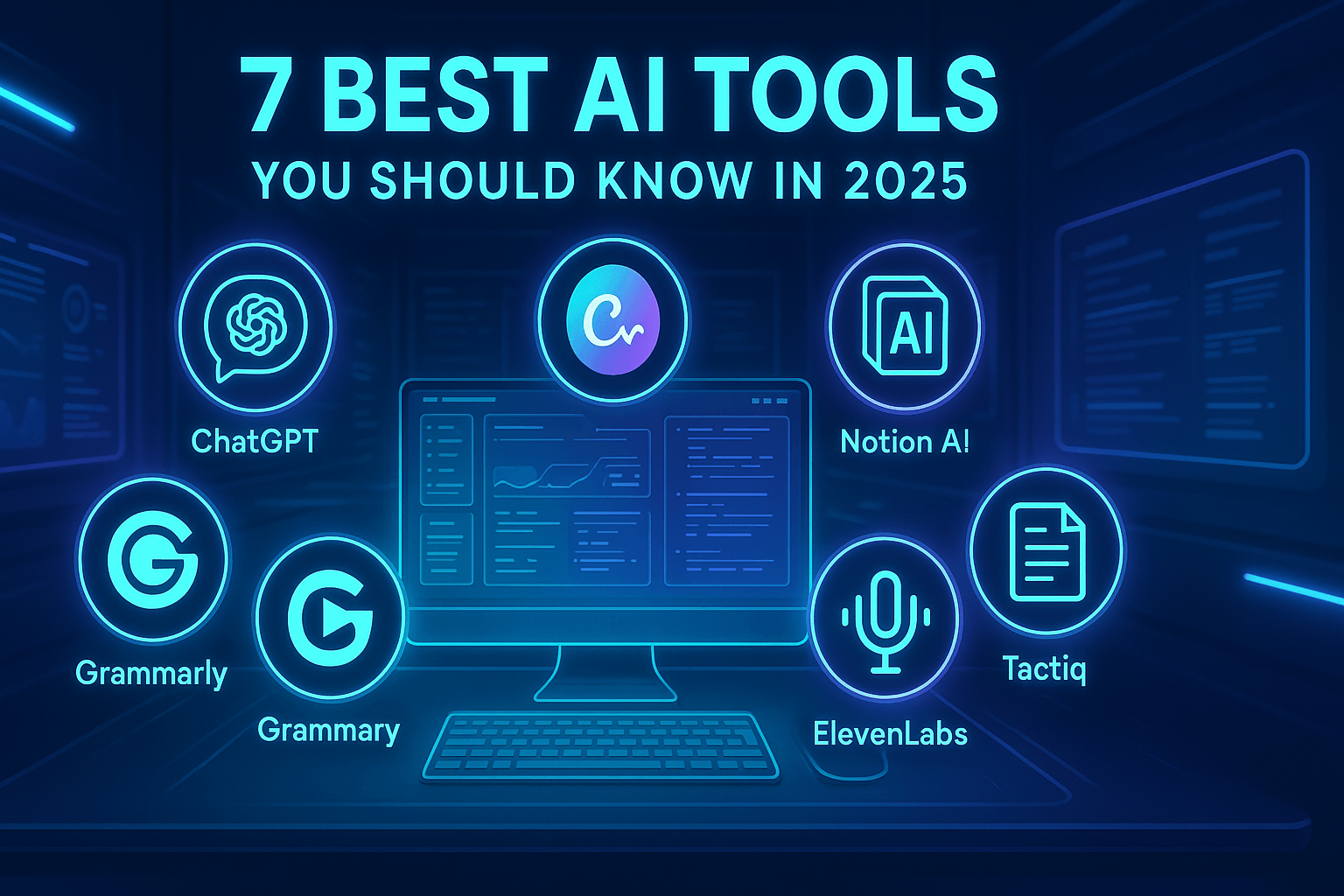
1. ChatGPT (by OpenAI)

Use it for: Writing help, brainstorming, solving problems, learning anything
If you’ve ever wished you had a super smart friend available 24/7 — this is it.
From writing blog posts and captions to explaining complex topics in simple words, ChatGPT is the all-in-one productivity booster.
And yeah, it’s kinda addictive (in a good way).
✅ Best for: Students, marketers, bloggers, anyone who types a lot.
Visit chatgpt frome here >>> chatgpt.com
2. Canva Magic Studio

Use it for: Graphic design + AI image generation + video editing
Canva isn’t new — but in 2025, it’s powered with AI in a crazy smart way.
You can type “make a YouTube thumbnail with neon colors” — and boom, it creates one.
It even suggests layouts, writes content, and lets you edit videos in seconds.
Perfect for people who want pro-level designs with zero experience.
✅ Best for: Designers, social media creators, small business owners.
Visit canva from here >>>> Canva.com
3. Notion AI

Use it for: Notes, organizing ideas, creating content, summarizing
Whether you’re planning a YouTube script, organizing a startup idea, or managing a personal to-do list — Notion + AI = super combo.
It helps you think clearer, stay organized, and actually get stuff done.
✅ Best for: Creators, students, remote workers.
Visit Notion Ai from here >>>> Notionai.com
4. Tactiq for Google Meet

Use it for: Transcribing meetings, summarizing Zoom/Google Meet calls
This one’s a must-have if you’re constantly on video calls.
Tactiq listens in, takes notes, summarizes everything, and even timestamps it all — automatically.
No more scrambling to write stuff down during meetings.
✅ Best for: Remote teams, managers, freelancers.
Visit Tactiq from here >>>> Tactiqio.com
5. ElevenLabs
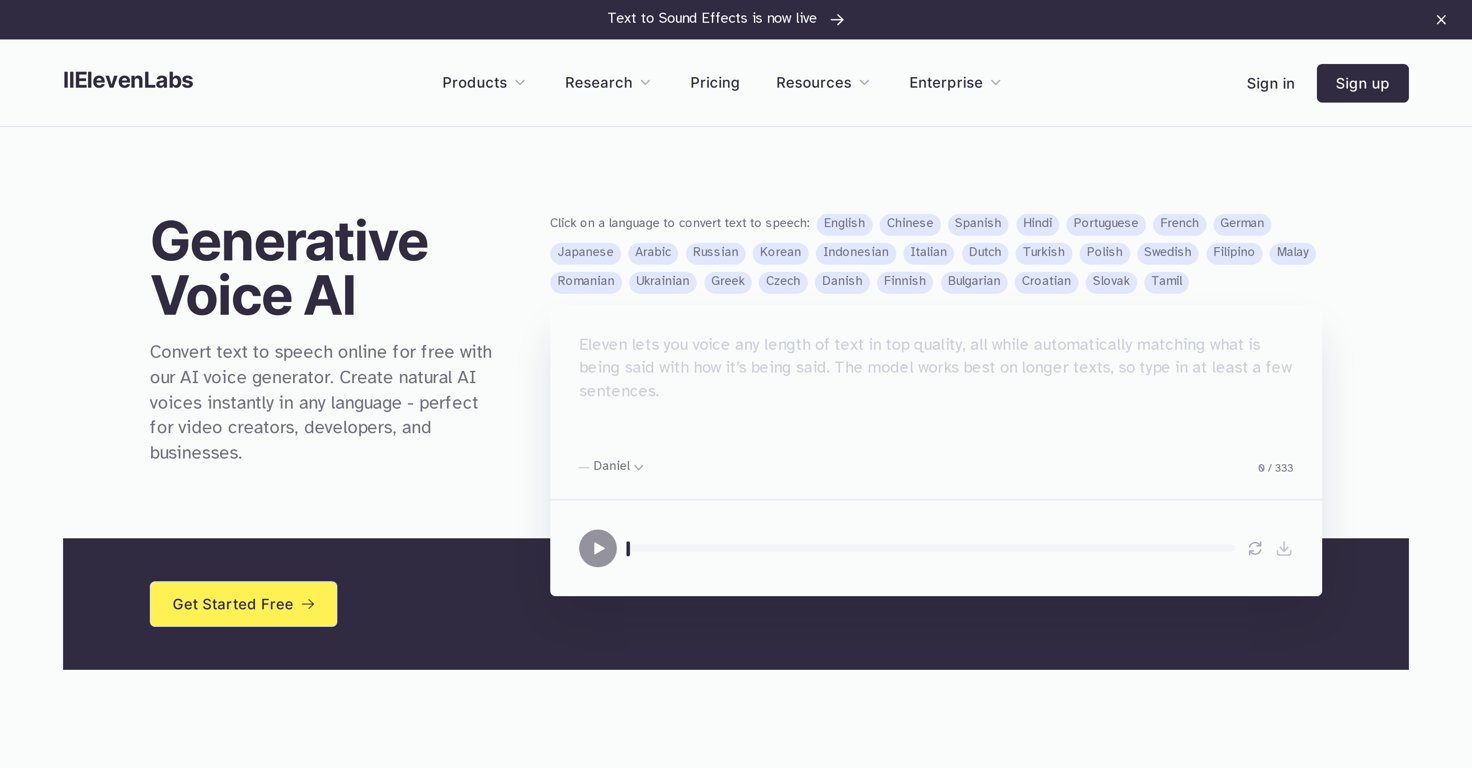
Use it for: Text-to-speech voiceovers (that actually sound human)
Need to create voiceovers for reels, YouTube, or presentations?
This tool takes your text and turns it into smooth, human-like audio in seconds.
You can even pick different accents and tones — and yes, it sounds real, not robotic.
✅ Best for: Content creators, educators, storytellers.
Visit Elevenlabs from here >>>> Elevenlab.com
6. Grammarly (AI Edition)
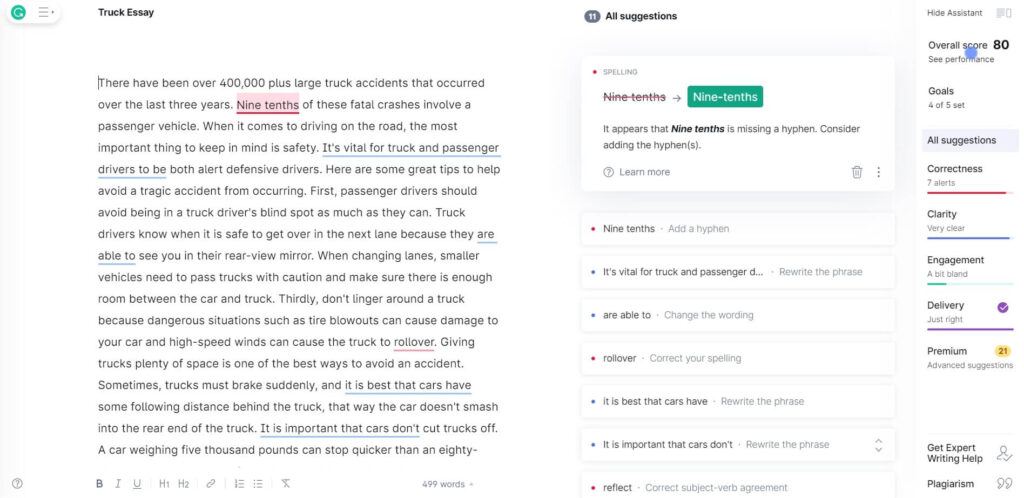
Use it for: Fixing grammar, rewriting sentences, improving clarity
It’s like having an English teacher inside your browser.
But better — because it not only fixes your mistakes, it teaches you why something’s wrong.
Great for emails, assignments, and blog writing.
✅ Best for: Everyone who writes anything.
Visit Grammarly from here >>> Grammarly.com
7. Runway ML

Use it for: Video editing with AI — remove backgrounds, generate B-roll, text-to-video
Runway makes editing feel fun.
Want to erase the background of a video? One click.
Need a cinematic cutscene based on text? Done.
You don’t need expensive software or years of experience anymore.
✅ Best for: Video creators, editors, social media marketers.
Visit RunwayML >>>> RunwayML.com
🚀 Final Thoughts: AI Isn’t the Future — It’s Already Here
2025 is the year people finally stop asking “Is AI useful?”
Because the real question now is:
“How was I even working without these tools?”
You don’t need to be a tech expert. You just need to explore.
These free tools are designed for real people doing real things — and they’ll save you time, money, and a whole lot of stress.
🔗 You May Also Like:
- Best Smartphones under $500 in 2025
- Google Gemini best ai tool for Android
- 2025 most underrated Gadgets
❓FAQs
Q1: Are these AI tools really free to use?
Yes, all tools listed here have free versions with powerful features. Some offer optional premium plans too.
Q2: Can beginners use them without technical skills?
Absolutely. These tools are made for non-tech users. Most work with just a few clicks or simple text prompts.
Q3: Are these tools safe and legit?
Yes. They’re trusted by millions and used by professionals worldwide. Just make sure to use them through their official websites.
if you have any quries or want to share any suggestion or you want me to review a gadget tell me in the comments i will be very happy to see your comments and will try to respond you.