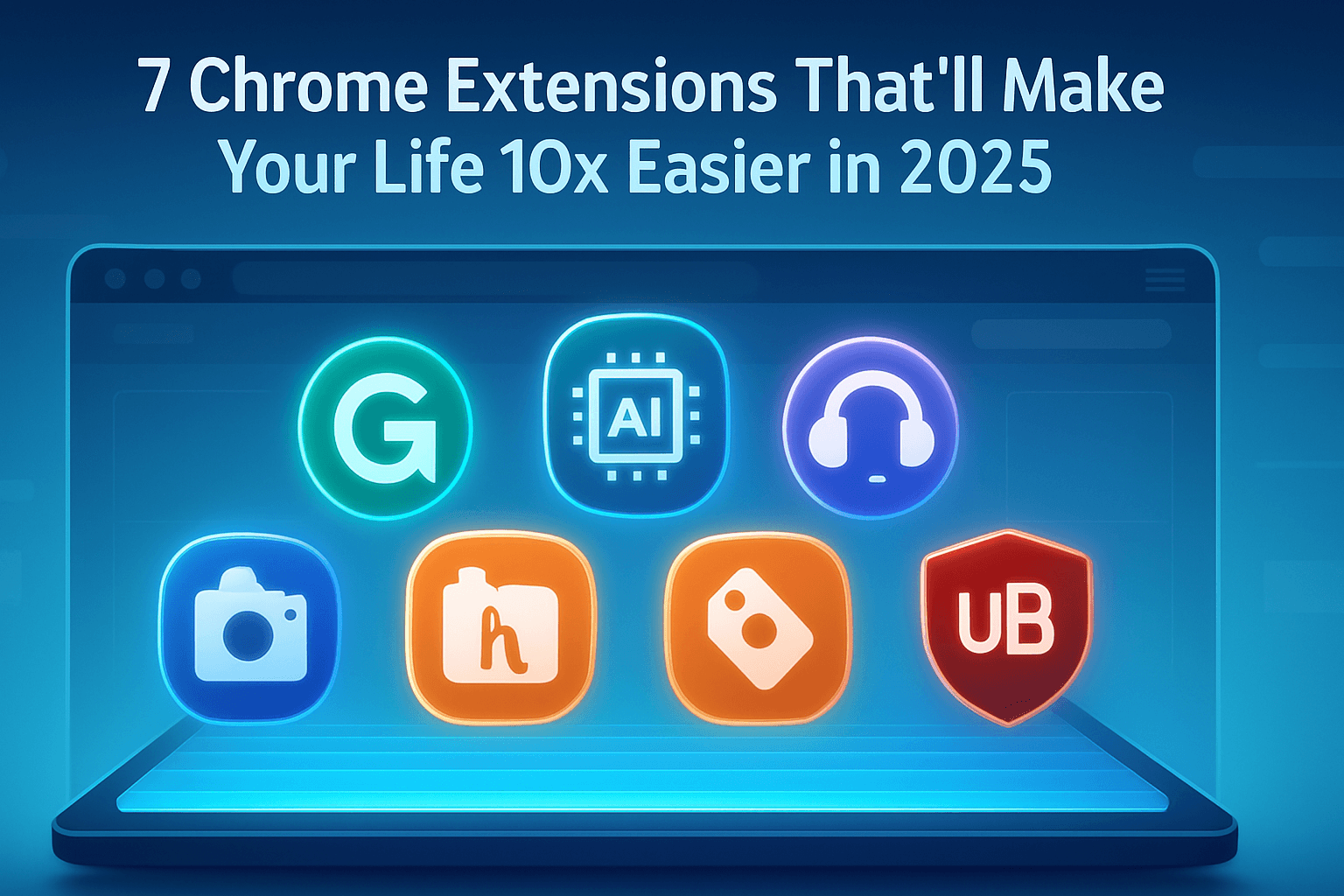

7 Chrome Extensions That’ll Make Your Life 10x Easier in 2025
Let’s be real — most of us spend way too much time in Chrome.
Work, school, YouTube, late-night scrolling… it’s all there.
But honestly, if you’re just opening tabs and googling stuff, you’re missing out.
There are some Chrome extensions that do the boring stuff for you.
Save your time. Make life easier. No tech skills needed.
And yeah — most of them are free.
Here are 7 you’ve gotta try in 2025:
1. Grammarly for Chrome
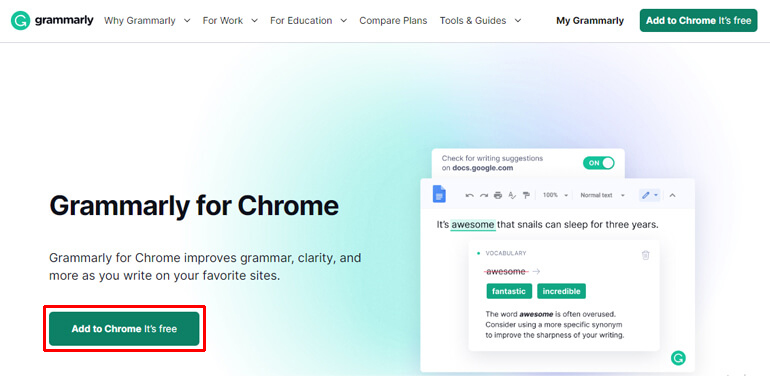
Fix your writing without thinking about it
Typos? Bad grammar? It happens.
Grammarly catches that — while you type.
Emails, social posts, DMs… it’s everywhere.
Even helps you sound more natural.
Just write. Let it fix.
Visit Grammarly from here >>> Grammarly.com
2. Speechify

Let the page talk to you
Too tired to read? Or just can’t focus?
Highlight the text, hit play — and Speechify reads it.
In a voice that actually sounds human.
Great for multitasking. Or when your brain’s done.
Visit Speechify from here >>> Speechify.com
3. GoFullPage

Screenshot the whole page — not just what you see
Ever tried taking a full screenshot and it cuts off half?
Yeah, annoying.
GoFullPage fixes that. One click = full scroll.
Save as image or PDF. Super clean.
Visit Gofull page from here >>>> GoFullPage
4. ChatGPT for Chrome (ChatGPT Writer)
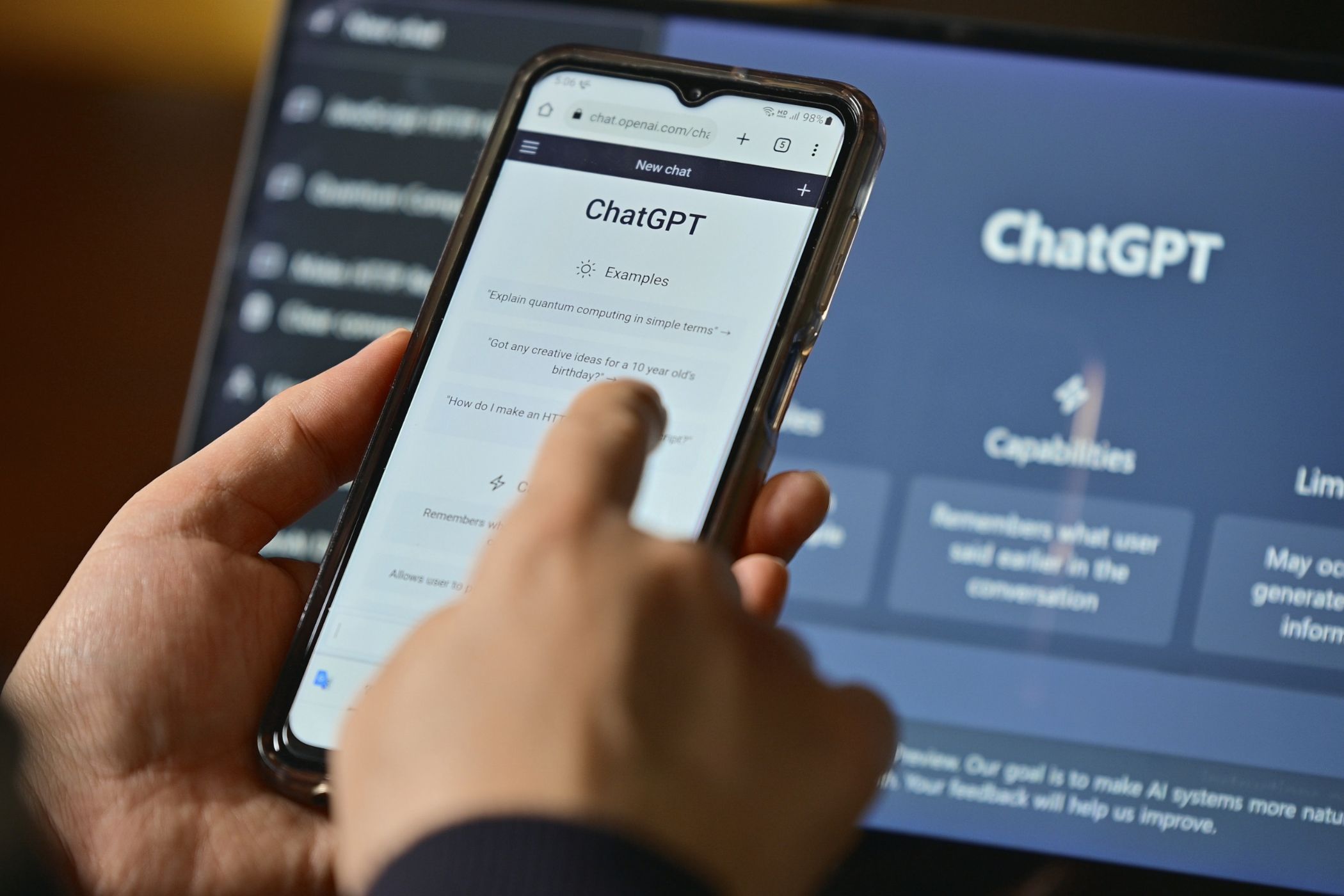
AI replies, right where you need them
Stuck on what to write?
This brings ChatGPT into any tab.
Right-click text. Get a reply, a summary, or a rewrite.
No need to switch tabs or open anything else.
Fast and easy.
Visit chatgpt from here >>>> Chatgpt.com
5. Toby for Tabs

Organize your tab mess
Got 20+ tabs open right now?
Toby helps you group them. Save them. Come back later.
It’s like bookmarks, but better.
Less clutter. More calm.
Visit Toby for tabs from here >>>> TobyforTabs
6. uBlock Origin
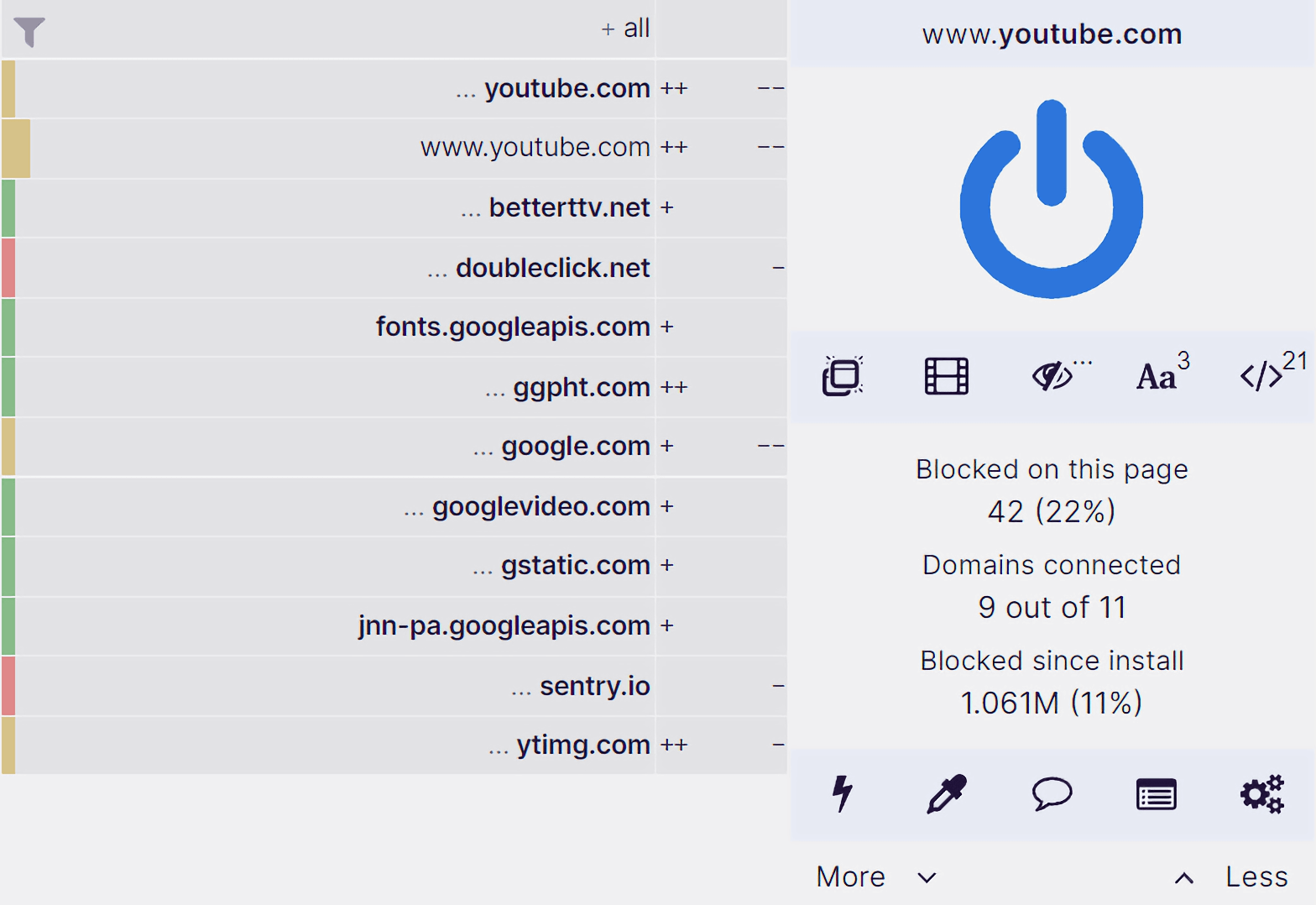
Say goodbye to annoying ads
No more popups. No autoplay videos. No trackers.
Just peace.
Also makes your browser faster. Win-win.
Visit uBlock Origin from here >>>> uBlock Origin
7. Honey

Find coupons without trying
Before checkout, Honey checks if a coupon exists.
And applies it — automatically.
No searching. No effort.
Saves money while you chill.
Visit Honey from here >>>> Honey
Final Thoughts: Little tools that change everything
You don’t have to be techy to make Chrome smarter.
These extensions are free. Easy to use. And low-key life-changing.
Try a few. See what clicks.
Smarter browser. Smoother day.
Checkout these links as well :
7 best tools for Ai productivity in 2025
Best Smartphones under $500 in 2025
Most underrated gadgets in 2025
Why are budget phones better in 2025
if you love the blog tell me in the comments or want to share any queries or message or want me to review a gadget suggested by you just leave all that on the comment i will check your comments and will be happy to read your beautiful comments and if you want to contact me that will be a very good news for me you can check my contact us page and fill the details when i will get free i will surely read your messages.
I will try to respond you as soon as possible remember that i am a one man army so it has a great chance that i will respond you late but i didn’t said that you will not be responded you will surely be responded but late and if you are new on this blog and want to know about me just visit the about us page to know more about me.