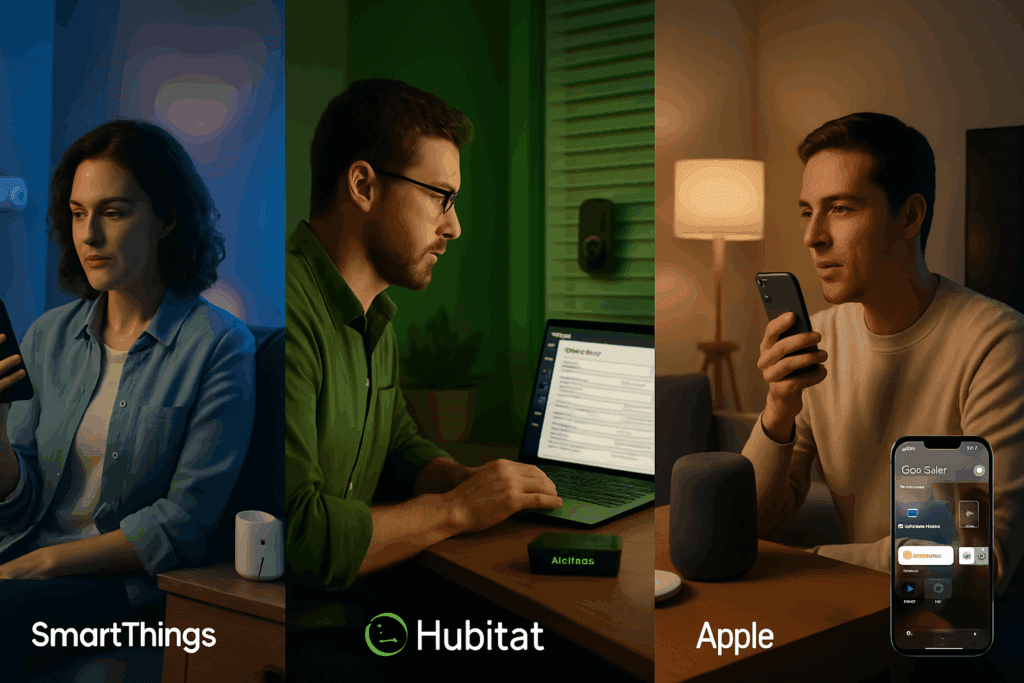
Smart Home Hub Comparison 2025 is the ultimate guide to understanding how Samsung SmartThings, Hubitat Elevation, and Apple HomeKit stack up in the world of smart home automation. A centralized smart home hub acts as the brain of your connected ecosystem, linking lights, locks, sensors, cameras, speakers, and more, while handling rules, voice control, and remote access.
In 2025, with the rise of the Matter standard, compatibility and interoperability are at the forefront of smart-home innovation. In this review, Tech Reviews compares three of the most popular hubs, Samsung SmartThings, Hubitat Elevation, and Apple HomeKit, to help U.S. homeowners and digital lifestyle adopters choose the best “smart home central controller” for their needs.
Thinking about a Smart kitchen, too? Don’t miss our deep dive on whether Samsung and LG’s high-tech appliances are helpful tools or just digital distractions.
1. Smart Home Hub Comparison 2025: Device Compatibility Breakdown
- Samsung SmartThings
- Supports a broad spectrum of smart devices: Zigbee, Z‑Wave, Wi‑Fi, Thread, Matter 1.4 (adds coverage for water heaters, heat pumps, solar systems)
- Integrates seamlessly with Samsung appliances and TVs, as well as Amazon Alexa and Google Assistant.
- Hubitat Elevation
- Built-in Zigbee, Z‑Wave, Wi‑Fi, and Matter controller.
- Deep compatibility with legacy and niche devices; Matter is supported but still maturing, with occasional pairing hiccups
- Apple HomeKit
- Relies on Thread and Matter (via HomePod Mini or AppleTV hubs), with broad ecosystem support including Siri voice commands
- Excellent compatibility with Apple-certified accessories, though Z‑Wave support requires alternative hubs.
Summary:
SmartThings offers the broadest protocol support. Hubitat prioritizes local, traditional smart protocols with growing Matter. HomeKit is smooth and secure, but best suited for Internet‑protocol and Thread/Matter devices.
2. Smart Home Hub Comparison 2025: User Experience & Ease of Use
- SmartThings
- Intuitive mobile app, polished routines editor, seamless voice assistant integration.
- Remote access by default; frequent cloud-based automations.
- Slight lag and cloud reliance are occasional drawbacks.
- Hubitat
- Web-first interface offering advanced rule creation and Edge Drivers. The mobile app is newer and less refined
- Fully local automation means a fast response, but setup can be confusing for non-tech users.
- HomeKit
- Clean, polished UI; remote control only through Apple devices (HomePod, TV)
- Excellent reliability and easy setup, but lacks cross‑assistant integration beyond Siri.
3. Smart Home Hub Comparison 2025: Automation Features Overview
- SmartThings
- Supports basic to advanced automations; Matter 1.4 expands triggers (e.g., agricultural devices)
- Custom routines integrate with Samsung biowearables (e.g., Galaxy Watch sleep tracking)
- Hubitat
- Rock-solid, local rule engine; Edge and Rule machine are highly customizable
- Rich community-built apps and integrations; fearless of complex chains and loops.
- HomeKit
- Reliable automations and scenes; Handoff and favorites sync across Apple devices.
- Limited to Siri and iOS; less flexible than full scripting hubs.
4. Smart Home Hub Comparison 2025: Performance & Reliability
- SmartThings
- Includes a reliable remote control; however, cloud outages and forced updates can interrupt service.
- Matter 1.4 rollout improves local responsiveness.
- Hubitat
- Primarily, local processing delivers a fast response.
- Some users warn of software hiccups, forced updates, and occasional memory issues after long runtime
- HomeKit
- Local by default; remote via Apple hubs. Minimal downtime and a smooth update process.
5. Smart Home Hub Comparison 2025: Pricing & Ecosystem Value
Conclusion: Final Verdict
- Hubitat Elevation – Best for tinkerers and DIYers
Ideal for those who want local control, granular automation, and are comfortable configuring drivers and rules. Less suited for plug‑and‑play users. - Samsung SmartThings – Best all‑rounder and compatibility leader
Great balance of usability, connectivity (Zigbee, Z‑Wave, Thread, Matter), remote control, and smart routines. A reliable option for most smart‑home adopters. - Apple HomeKit – Best for Mac/iPhone households
A polished, secure ecosystem perfect for Apple users with Matter‑enabled devices. Lacks breadth in non‑IP protocols.
Summary Table
| Feature | SmartThings | Hubitat Elevation | Apple HomeKit |
| Protocol Support | Zigbee, Z‑Wave, Wi-Fi, Thread, Matter 1.4 | Zigbee, Z‑Wave, Wi-Fi, Matter (growing) | Thread / Matter, Wi‑Fi |
| Ease of Setup | Easy → Moderate | Moderate → Steep | Very Easy (for iOS users) |
| Automation Flexibility | Good | Excellent | Good |
| Local Control | Partial → Improving with Matter | Full local | Partial |
| Voice Assistants | Alexa, Google, Bixby | Alexa, Google (via integration) | Siri |
| Remote Control | Yes (cloud-based) | Yes (add-on) | Yes (via Apple hubs) |
| Price | ~$80 + devices | ~$120 + optional subscriptions | $129+ with Apple device |
| Best For | Broad compatibility | DIY automation | Apple-centric users |
FAQs
1. Which smart home hub works best with both Alexa and Google Assistant?
SmartThings offers native, seamless integrations with both Alexa and Google. Hubitat also supports both via free integrations or custom tools.
2. Is Hubitat better than SmartThings for advanced automations?
Yes. Hubitat excels with local scripts and Edge Drivers, offering more customization and speed for complex automations
3. Do I need a hub if I already have Alexa?
If you only use Wi‑Fi devices, you might get by without one. But for broader compatibility (Zigbee, Z‑Wave) and local automations, a hub offers better reliability and control.
Final Word
For most U.S. homeowners embracing a smart living lifestyle in 2025, Samsung SmartThings stands out as the most balanced “best home automation hub 2025,” blending compatibility, ease, and performance. Hubitat is the power‑user dream, while HomeKit delivers a seamless Apple‑centric experience.
Choose based on how deep you want to get into automation, and which devices already live in your home.